Battery Icon Change
Introduction
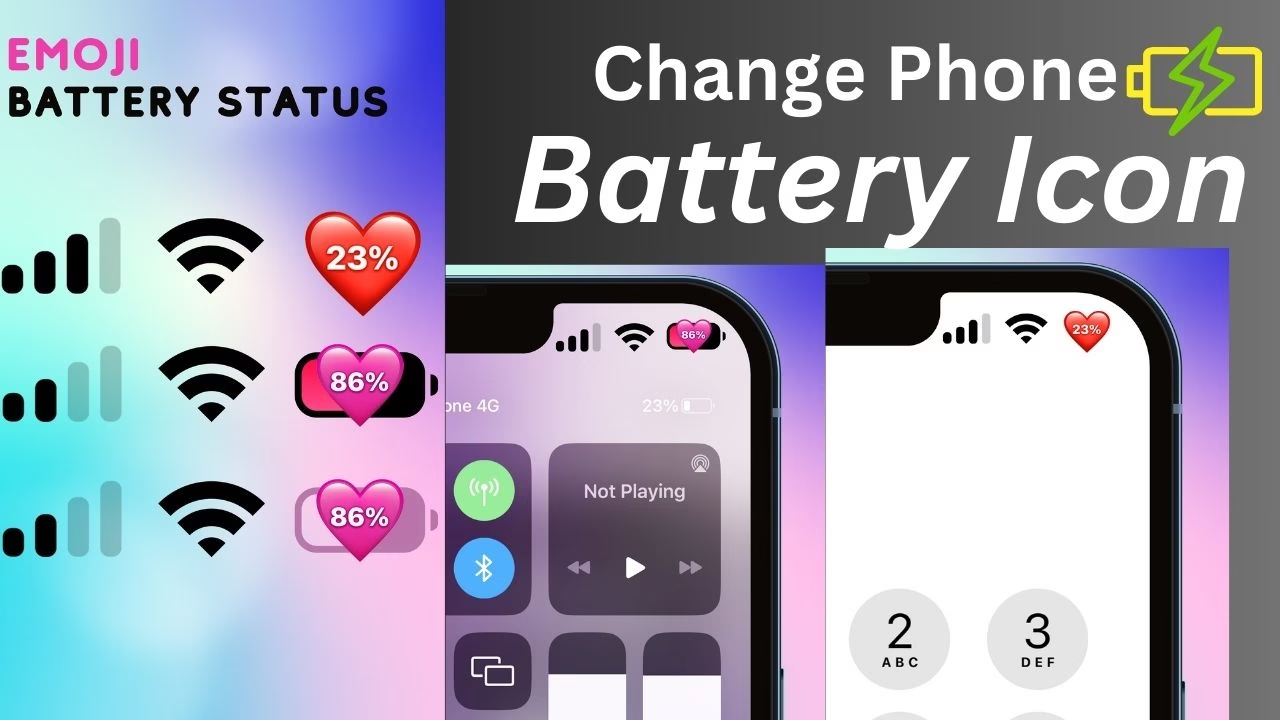
Smartphone has become such a boon to man today that they think they need to change the icon of their battery today. Emoji Battery Status Bar app for battery icon customization, which changes the battery bar of these types, adding a playful touch to the user interface. This article describes the features, benefits and user experience of the Emoji Battery Status Bar app, highlighting how it enhances both the aesthetic appeal and functionality of Android devices.
Full Details of Emoji Battery Status Bar App
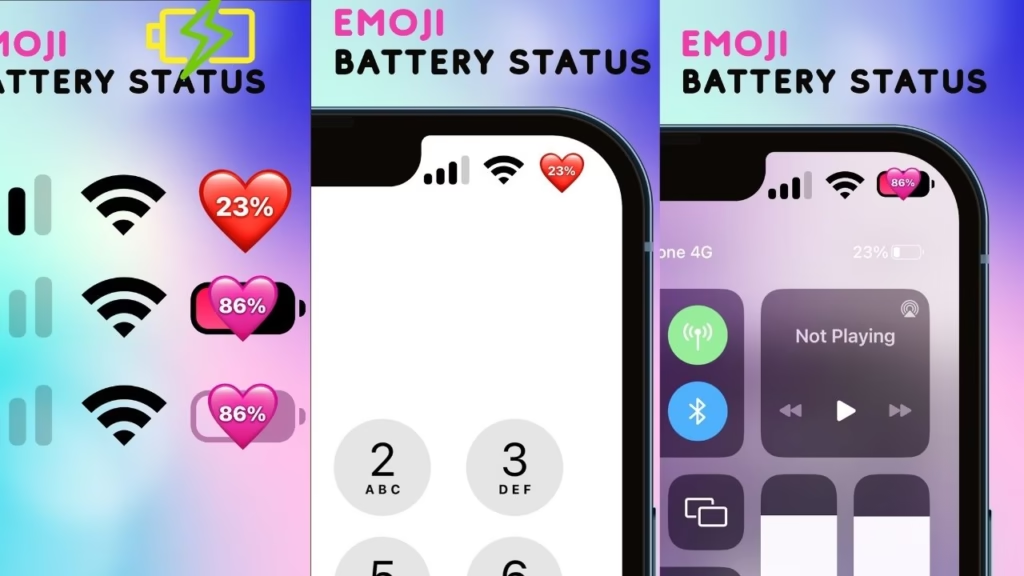
The Emoji Battery Status Bar app is designed to transform the conventional battery icon into a series of emojis that dynamically change based on the device’s battery level. Developed by Color Studios, this personalization tool offers users the ability to replace the monotonous battery indicator with colorful and expressive emojis, thereby infusing a sense of fun into everyday device interactions.
Key Features
Dynamic Emoji Indicators
One of the standout features of the Emoji Battery Status Bar app is its dynamic emoji indicators. As the battery level fluctuates, the displayed emoji changes to correspond with the current charge percentage. For instance, a fully charged battery might be represented by a smiling or jubilant emoji, while a low battery could be depicted with a tired or concerned face. This visual representation provides an intuitive and engaging way to monitor battery status.
Customization Options
Beyond the dynamic emojis, the app offers a range of customization options to tailor the status bar to individual preferences. Users can select from various emoji templates, including heart emojis, colorful icons, and emoticon batteries. Additionally, the app allows for the creation of personalized emoji battery icons using available emojis, enabling users to design battery indicators that reflect their personality and style.
User-Friendly Interface
The Emoji Battery Status Bar app boasts a user-friendly interface that simplifies the customization process. Navigating through the app is straightforward, with clearly labeled options and intuitive controls. Users can easily select their preferred emoji templates, adjust settings, and preview changes in real-time, ensuring a seamless and enjoyable customization experience.
Benefits of Using Emoji Battery Status Bar
Enhanced Aesthetics
By replacing the standard battery icon with expressive emojis, the app significantly enhances the visual appeal of the device’s status bar. This aesthetic upgrade makes the device more lively and engaging, transforming a mundane element into a source of delight.
Intuitive Battery Monitoring
The use of emojis provides an intuitive method for monitoring battery levels. The emotional expressions associated with different battery states offer immediate visual cues, allowing users to quickly assess their device’s power status without the need for numerical indicators.
Personalization and Uniqueness
The app empowers users to infuse their personal touch into their devices. With the ability to create custom emoji battery icons, users can ensure that their device stands out, reflecting their unique tastes and preferences.
User Experience
Users have reported positive experiences with the Emoji Battery Status Bar app, praising its ease of use and the joy it brings to daily device interactions. The app’s seamless integration into the status bar and its minimal impact on device performance have been highlighted as significant advantages. Moreover, the regular updates and responsive support from the developers contribute to a satisfying user experience.
How to Install
Installing and setting up the Emoji Battery Status Bar app is a straightforward process:
- Download and Install: The app is available for free on the Google Play Store.
- Grant Necessary Permissions: Upon launching the app, it will request certain permissions to function correctly, such as accessibility and notification permissions. These are essential for the app to display the custom status bar and battery indicators.
- Customize Settings: Users can explore the various customization options within the app, selecting their preferred emoji templates or creating custom icons.
- Apply and Enjoy: Once the desired settings are configured, users can apply the changes and enjoy their newly personalized status bar.
Conclusion
The Emoji Battery Status Bar app offers a delightful and functional enhancement to the standard battery indicator on Android devices. By incorporating dynamic emojis and providing extensive customization options, it transforms a routine aspect of device usage into an engaging and personalized experience. For users seeking to add a touch of personality and fun to their smartphones, the Emoji Battery Status Bar app presents an excellent option.
- Change Call Screen Background – మీ కాల్ స్క్రీన్ నీ మార్చుకోవచ్చు..
- The Drone App You Need to Download..


Hi